 Read-only
HubSpot
Deals, stages, owners and activity.
Integrations
CRM, email, calendar and calls. Your CRM connection is read-only.
Your CRM. Adrata reads it and leaves every record as it found it.
Read-onlyDeals, stages, owners and activity.
 Read-only
Opportunities, stages and activity.
Tell us which. Start with a story bank (no CRM needed) and we’ll tell you when it’s supported.
Catches the activity reps don’t log.
 Read-only
Replies, reply speed and meetings.
 Read-only
Replies, meetings and attendees.
The call moments behind each play.
 Read-only
Moments from calls you already record.
 Read-only
The call moments that converted.
Available delivery actions require your approval.
 Delivery
30 minutes before each moment, plus a note on the meeting invite.
 Unavailable
Automatic play delivery to Outreach tasks is not available.
 Unavailable
Automatic play delivery to Salesloft cadences is not available.
Publishing plays to Highspot or Seismic is not available.
 Delivery
Shows the play on the deal it fits. Read-only: Adrata writes nothing to the CRM.
SuperAuto by default, or bring your own.
 Default
Picks the best model for each question. Nothing to set up.
 Optional
Use Anthropic, OpenAI or Azure OpenAI.
Ask Adrata from the AI tools you already use.
 MCP
Use Adrata in Claude, ChatGPT or Cursor, with the same data, permissions and sources.
No. Adrata works from your CRM, email and calendar. If you record calls in Gong or Zoom, it adds the call moments behind each play.
Yes. SuperAuto, our default, picks the best model for each question. You can connect Anthropic, OpenAI or Azure OpenAI instead.
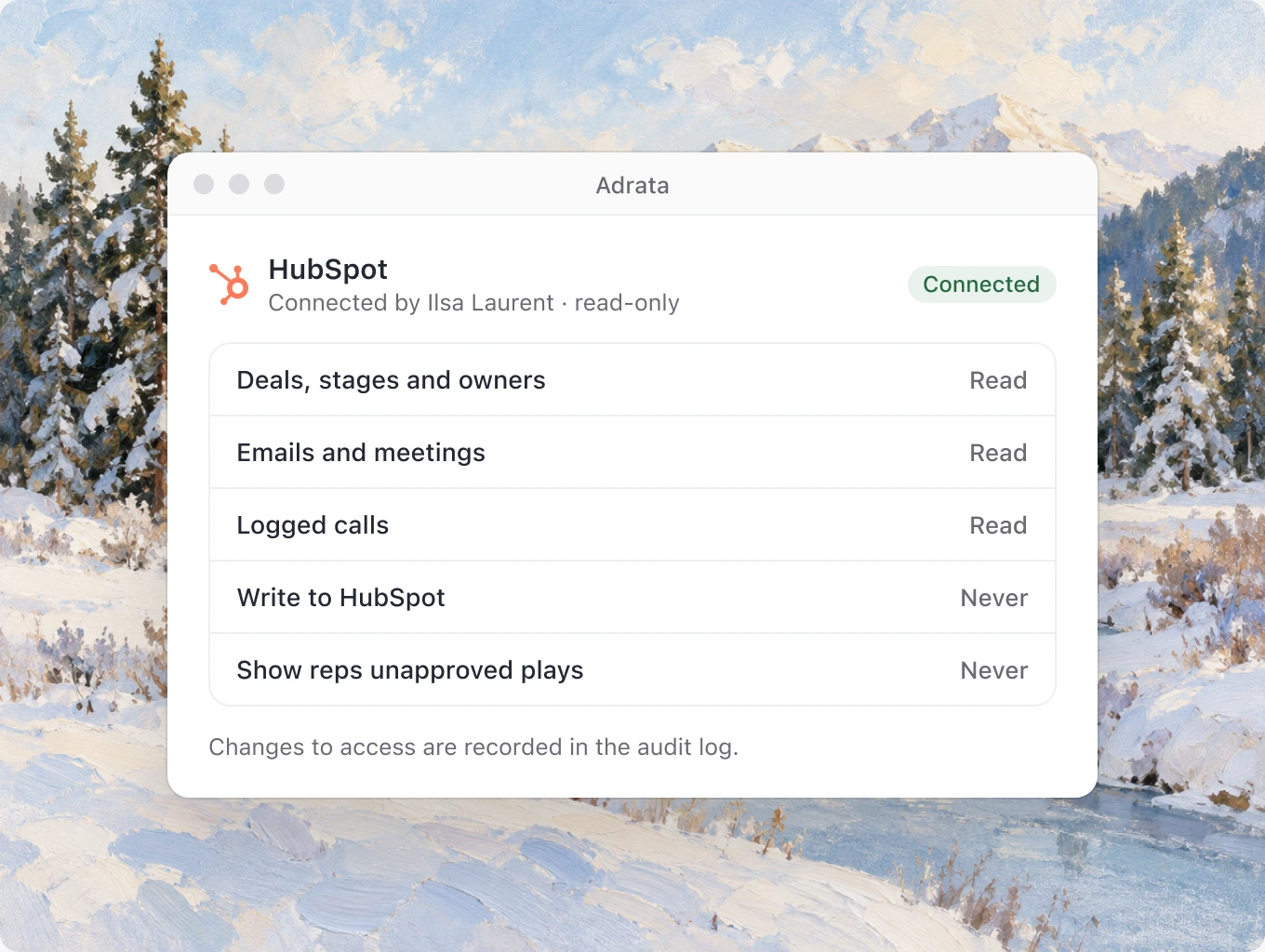
Adrata reads deals, stages, owners and activity, and never edits a record. Your CRM stays your CRM, and nothing is moved or rebuilt.
HubSpot and Salesforce, both read-only.
Yes. Gmail or Outlook, plus Google or Outlook calendar, add the activity behind each deal, including emails that never reached the CRM, so a play shows the moment it’s for.
CRM connections are read-only. Delivery to other tools requires an approved action and a supported integration. Unavailable delivery options are marked above.

Adrata reads your CRM. It never writes to a CRM record.